
Frequently Asked Questions
Fast answers for setup, sending, plans, troubleshooting, and what each feature actually does.
Visual Shortcuts
If you prefer screenshots over paragraphs, jump straight into the visual docs.
Getting Started
YouSendME is a Google Sheets add-on for WhatsApp messaging. It supports regular sends, scheduled sends, surveys, bots, attachments, message variation workflows, and operational reporting.
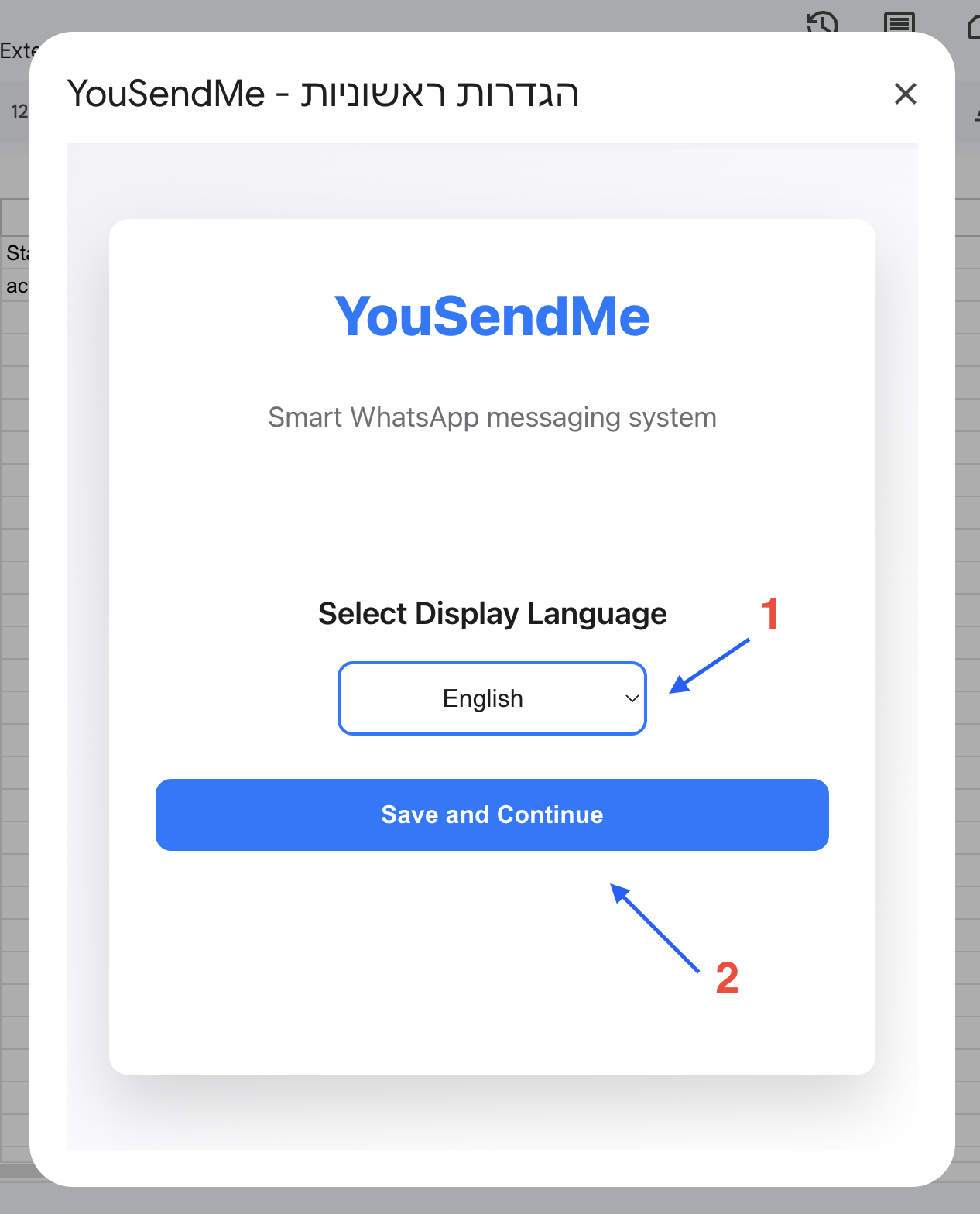
Open the add-on from Google Sheets, launch the setup flow, then complete connection, temp-folder, trigger, and final delay/country settings in order. The full visual version is in the setup documentation.
No. The product is designed to be used from the add-on UI inside Google Sheets. You work with sheet data and sidebars, not code.
Features
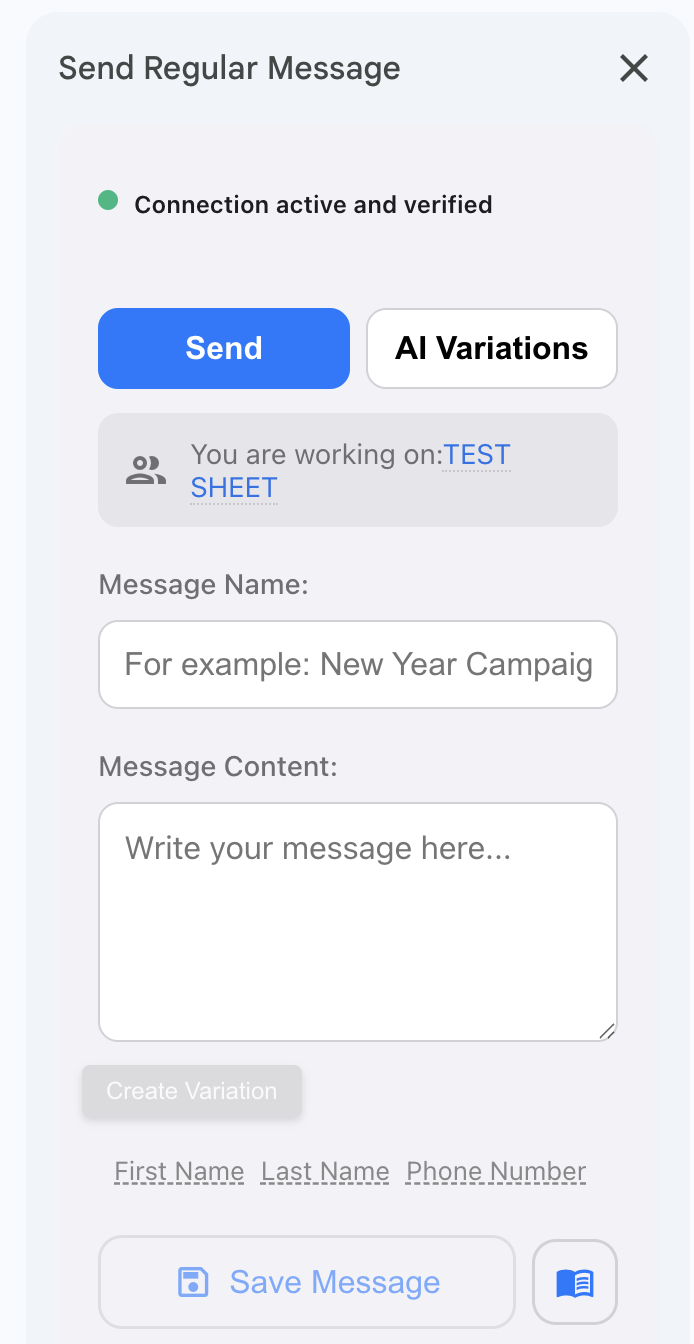
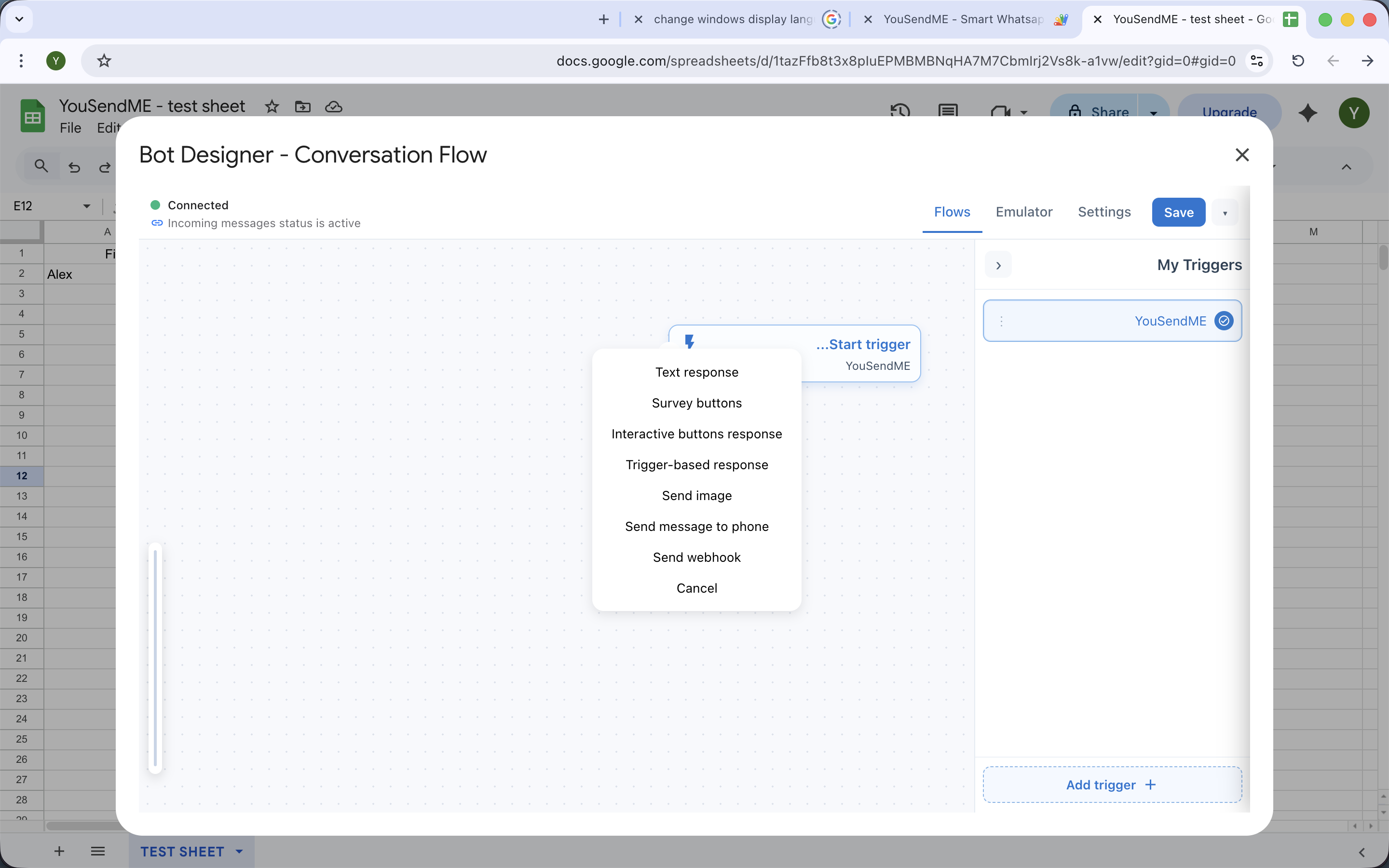
You can send regular personalized messages, schedule campaigns, attach files, run raffles, configure surveys, and build visual bot flows with triggers, buttons, and survey-related actions.
AI variations help generate and rotate message variants instead of sending the exact same text every time. They are included on Business and Professional and available as a paid add-on for Personal.
No. Surveys are part of the normal sending model. Survey automations such as auto-replies, reminders, webhook actions, and sheet writeback are gated for Business and Professional.
Yes, but Airtable is extension-gated. It is included on Professional, available as a paid add-on for Personal and Business, and not available on the free plan. It works by syncing an Airtable source into a mirror sheet and then sending from that mirror.
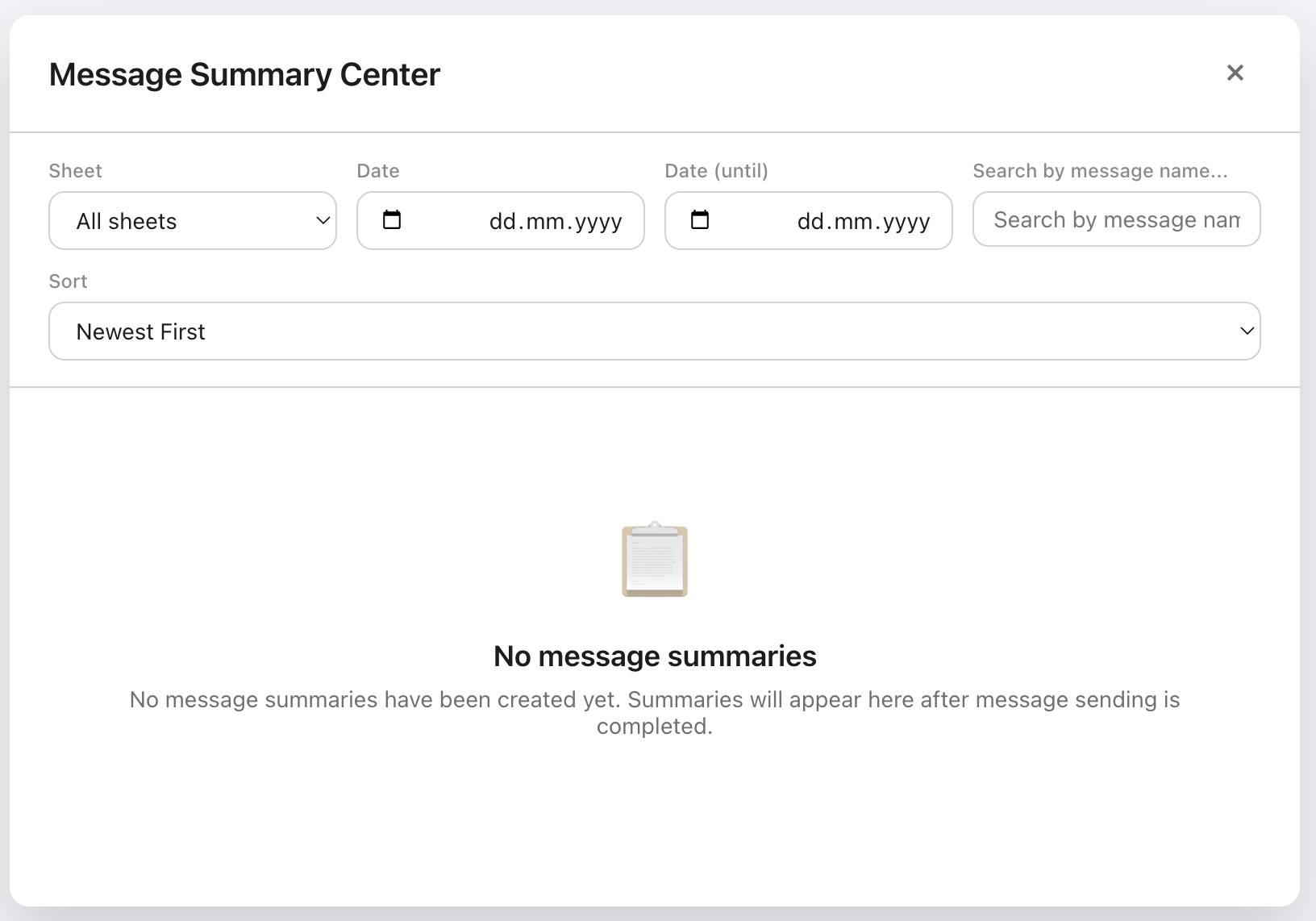
Message Summary Center is available on Business and Professional. It is meant for send-level reporting and follow-up analysis after campaigns have actually run.
Plans & Pricing
Free with your own Green API is $0 with limited usage. Personal is $39/month managed or $29/month with your own Green API. Business is $59/month managed or $39/month with your own Green API. Professional is $89/month managed or $59/month with your own Green API.
The free plan is permanent, but it requires your own Green API credentials. It includes baseline core access with limited usage: 50 sends per month, up to 3 regular campaigns per month, and 1 scheduled campaign creation per month. Premium extensions and some core capabilities remain blocked.
Scheduled Send is included on all plans, with limits on the free plan. Message Summary Center is included on paid plans only. Raffles are included on Business and Professional and available as an add-on for Personal. Bot Designer is included on Professional and available as an add-on for Personal and Business. Support targets remain 72 hours for Personal and 24 hours for Business and Professional.
Troubleshooting
Most often you are either reopening a previously configured sheet or working with an already-known server profile. Start from the add-on menu again, and if needed use the reset-initial-settings path on a test sheet. The detailed flow is in setup documentation.
Check plan entitlement first, then confirm webhook activation and the actual automation settings. A basic survey block alone is not enough if you expect reminders, webhook actions, or writeback.
Airtable depends on both entitlement and extension enablement. It is included on Professional, available as an add-on for Personal and Business, and unavailable on the free plan. If the source sync is incomplete, you will not have a usable mirror sheet to send from.
First confirm your plan includes Message Summary Center. Then confirm you actually have completed sends to report on. The summary view is far less useful when you have not yet produced campaign history.
Use the full documentation hub for screenshot-led walkthroughs and the troubleshooting section for symptom-based guidance.
Need account-specific help?
Use the docs for workflows and the FAQ for fast answers. Contact support if the issue depends on your plan, connection, or live delivery state.